Key points to working with Nginx LUA scripts - location of Nginx config and log, LuaJIT version, cache LUA scripts, debug and logging LUA, testing with CURL, LUA modules scope, LUA packages, Table type variable, working with Redis and MySQL.
Sorry, this page is important, but I have no time to finish it, maybe later...
I made refactoring of project based on LUA script, what is Nginx LUA script I have described in page OpenResty/LuaJIT - The fastest backend technology ever exists, this page is continue and deeper dive to this theme.
1. Location of Nginx config and log
2. LuaJIT version
3. Nginx already cache LUA script.
I'm faced with interesting issue on server, despite I implicit forbid cache LUA script in Nginx on the beginning of Nginx config:
worker_processes  1;
error_log  logs/error.log debug;

events {
    worker_connections  1024;
}

http {
    lua_package_path "$prefix/?.lua;;";
    lua_code_cache off;
	....
}
Nginx already cache LUA scripts and there is only one way to prevent cache LUA script on server, Now I know only one safe ay to prevent cache LUA scripts:
In my developer environment:
# sudo /usr/bin/openresty -p /home/admin/AngularProjects/TransGPS/trans-gps-dev/lua -c /home/admin/AngularProjects/TransGPS/trans-gps-dev/lua/localTesting/nginx.conf -s stop
# sudo /usr/bin/openresty -p /home/admin/AngularProjects/TransGPS/trans-gps-dev/lua -c /home/admin/AngularProjects/TransGPS/trans-gps-dev/lua/localTesting/nginx.conf
On server environment:
# sudo nginx -s reload
# sudo /etc/init.d/nginx restart
4. Debug LUA scripts.
5. Logging in LUA scripts.
6. Testing with CURL.
7. LUA modules scope.
8. LUA packages.
9. Table type variable.
10. Working with Redis.
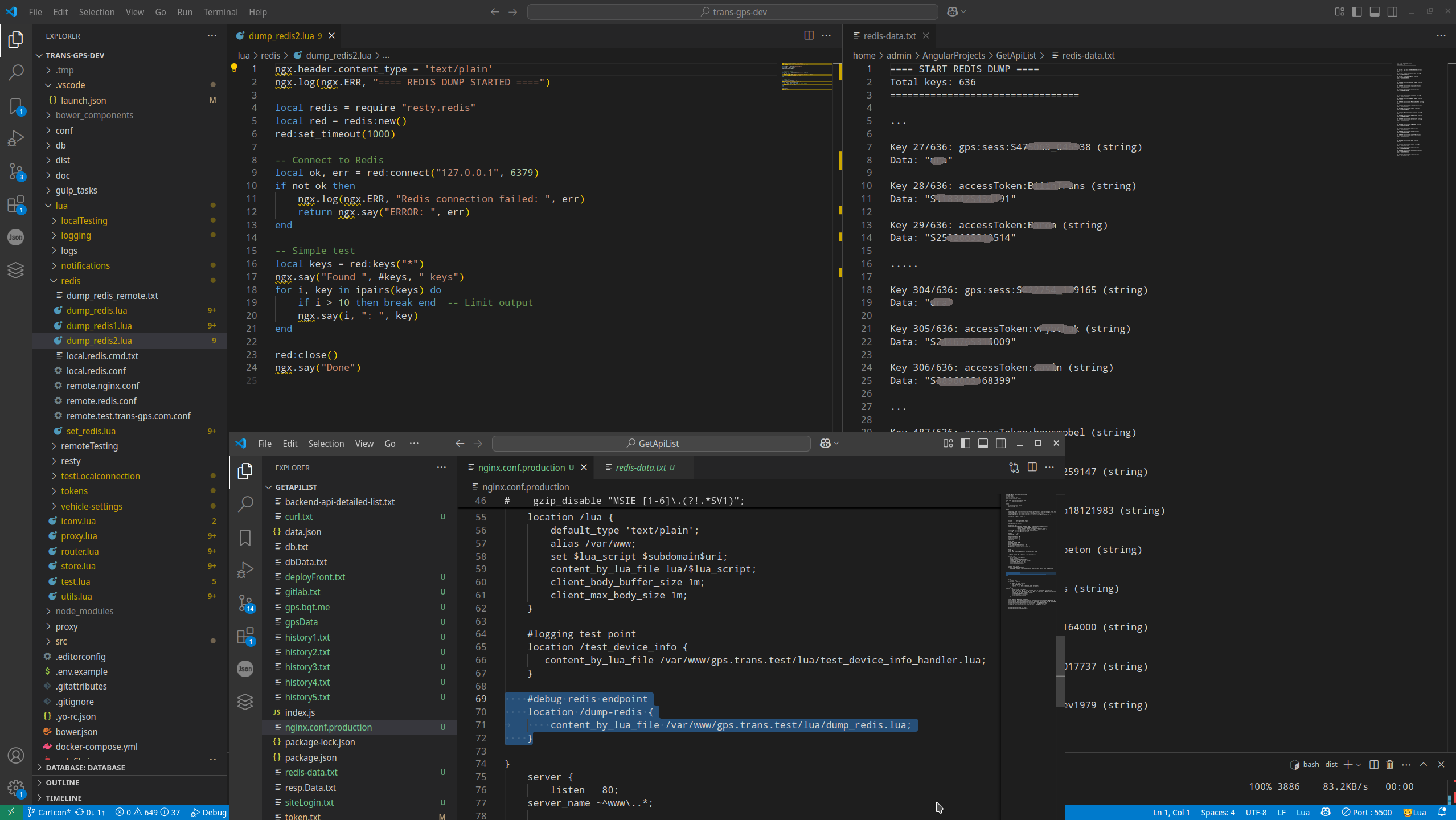
11. Working with MySQL.
Comments (
 )
)
)
Link to this page:
http://www.vb-net.com/Lua/Index.htm
|
|