Debug Node.JS projects - export variable to file.
Vs Code truncate result in debug console, and usually, even in debug environment, variable has thousands line and need full-text search and time to analyze trouble.
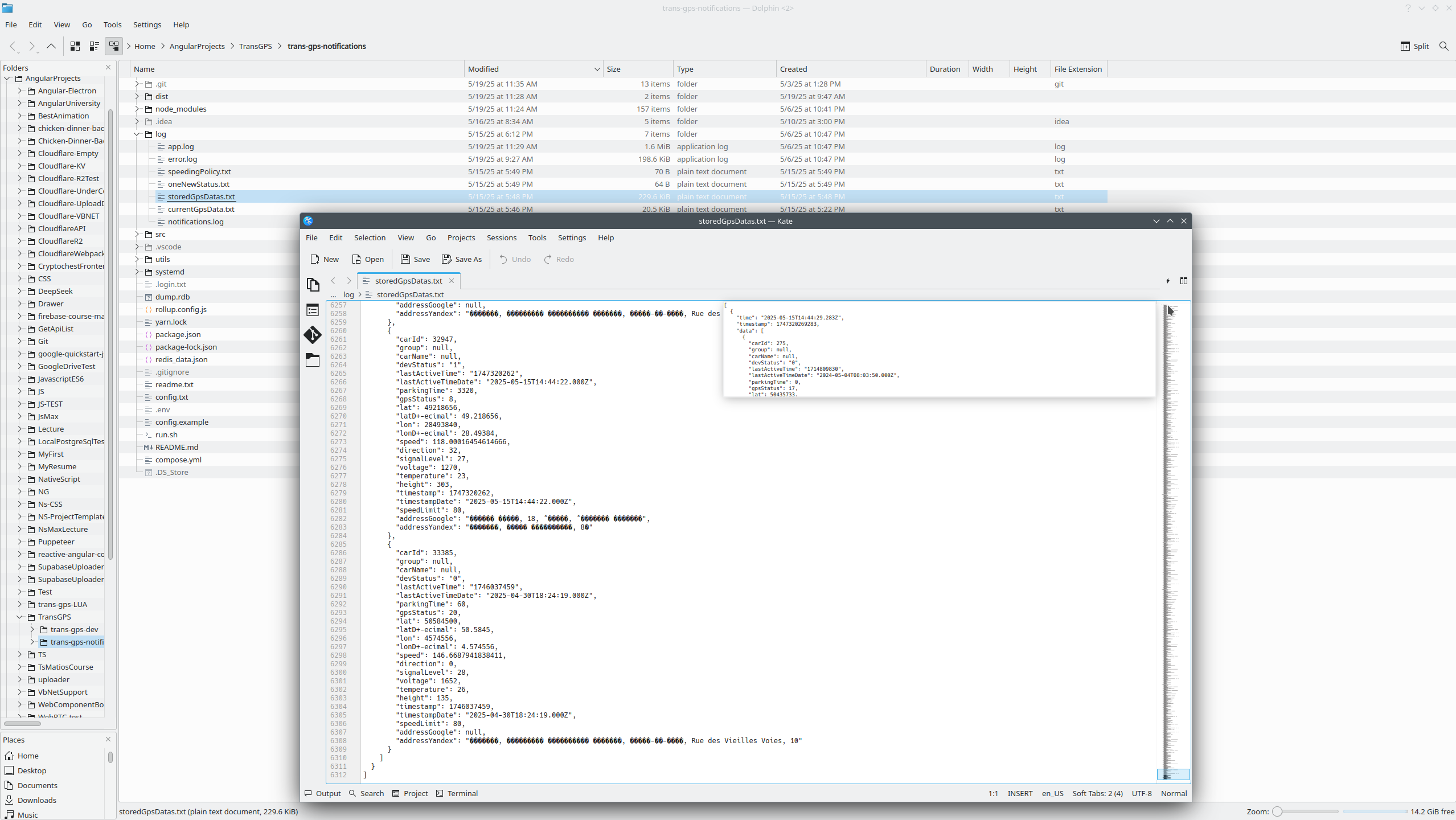
And main question to working in Node.JS how to export variable to to file. Of course, variable all time changing, and we need export only one exact moment what we don't know initially, in moment where trouble appears.
This is my way to resolve this standard elementary task on Node.JS development. Firstly we need define function, what can write file, pay attention that this is synchronous function.
1:
2: function writeVariableToFile(variable, filename = 'debug_output.txt') {
3: try {
4: const data = JSON.stringify(variable, null, 2); // Pretty print for readability
5: fs.writeFileSync(filename, data);
6: console.log(`Successfully wrote variable to ${filename}`);
7: } catch (error) {
8: console.error(`Error writing to file: ${error}`);
9: }
10: }
11:
Than we can create reference to this function in place we need. (in my case problematic function what time on time produced trouble is shouldTriggerSpeedingEvent and reference set in line 88), and when trouble appears, I set breakpoint in line 103 and try to understand what data receive this function? In my case this is date, stored in Redis, in reality this data can be thousands times more, then in debug environment. I have described more about this logic in post Working with Redis in Node.JS projects.
Next step - export this function to global level, this allow call this function in Vs Code debugger - line 89. And than in VS Code debug console I trace all four variables than problematic function will processing further.

This very simple approach allow me visually check variables, and debug expression what produced trouble.
JavascriptProjects context:
 )
)
|
|