How to start local development with ancient AngularJS 1,6 development - install additional packages for debugging, backward Node version, install CORS everywhere for browser, tune .vscode/launch.json for VS Code.
1. Ancient Angular from 2008 year.
I try to modify huge ancient project in AngularJS 1.6 (more than 60,000 Javascript code lines) and I want to collect to this page how is possible to start so ancient environment for development.

But firstly I want to summarize why this environment is so ancient framework (pay attention to refresher on beginning of each controller!).
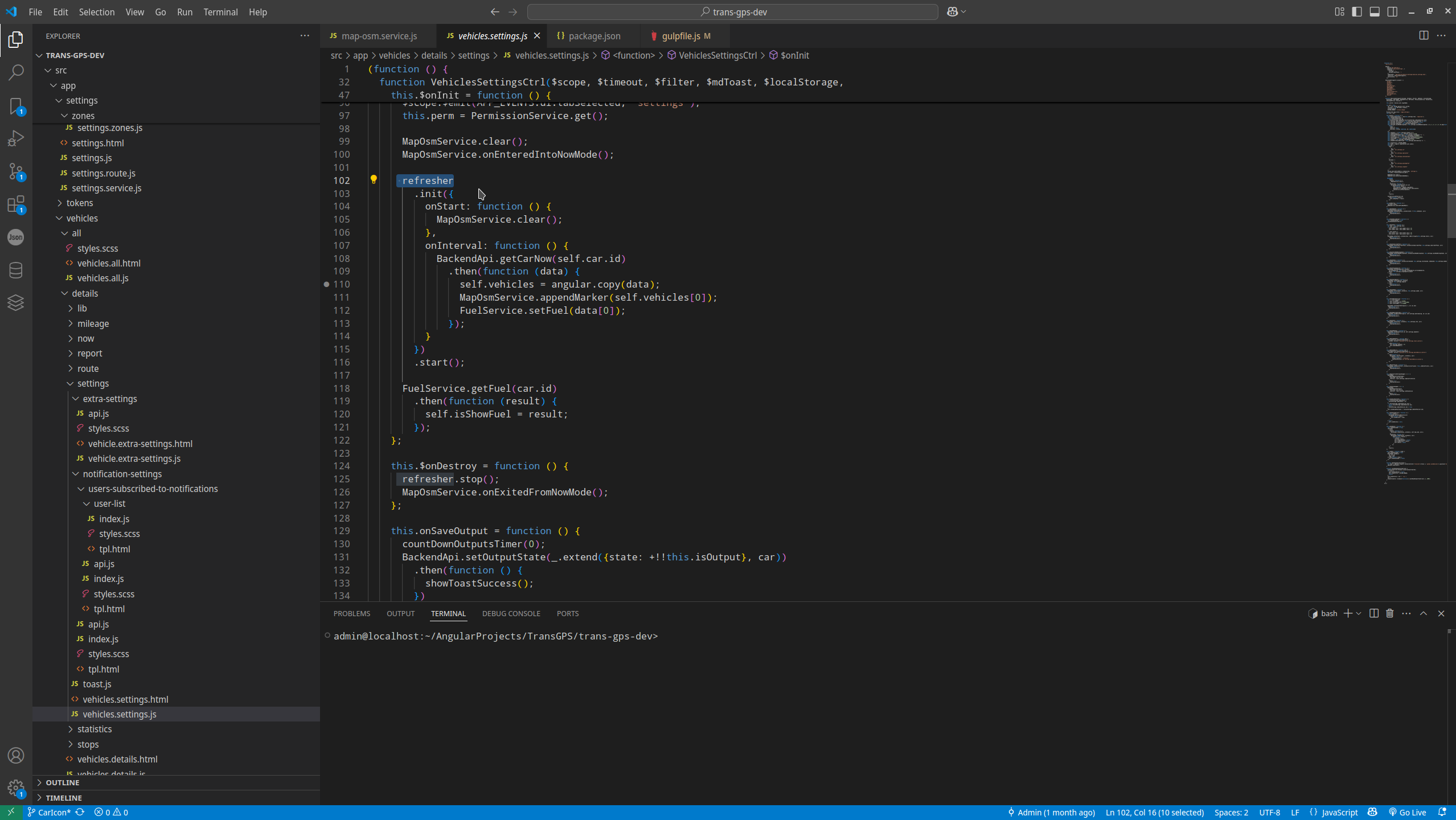
Angular Js appears in 2008 year and was dead in 2018 year, last version of AngularJS officially stop supporting in 2021 year, in frontend era this looking as first airplan from 1903 year.
1. Angular Framework Core Differences
| AngularJS 1.6 (2008) | Modern Angular (v17+) | |
|---|---|---|
| Architecture | MVC (Model-View-Controller) | Component-based (hierarchical components with directives/services) |
| Change Detection | Dirty checking (two-way binding, $digest cycle) | Zone.js-based (unidirectional flow, optimized change detection) |
| Data Binding | Two-way (ng-model) by default | One-way by default ([ ] for input, ( ) for output); two-way requires [( )] |
| Directives | ng-* directives (e.g., ng-repeat) | Structural (*ngFor, *ngIf) and attribute directives |
| Dependency Injection | Module-based (angular.module()) | Hierarchical DI (tree-shakable services with @Injectable) |
| Mobile Support | Poor (not optimized) | Optimized (Ivy renderer, lazy loading, PWA support) |
| Performance | Slower (dirty checking) | Faster (AOT compilation, Ivy renderer, smaller bundles) |
2. Build Tools & Deployment
| AngularJS 1.6 (2008) | Modern Angular (v17+) | |
|---|---|---|
| Module System | No native modules (relies on scripts) | ES6 modules (import/export) |
| Bundling | Typically Gulp/Grunt + Bower | Webpack (Angular CLI) or Vite |
| Package Manager | Bower/npm | npm/yarn/pnpm |
| CLI | None (manual setup) | Angular CLI (ng new, ng build, etc.) |
| Optimizations | Manual (concatenation, minification) | Built-in AOT, tree-shaking, code splitting |
3. JavaScript Language Changes
| AngularJS 1.6 (2008) | Modern Angular (v17+) | |
|---|---|---|
| Language | ES5 (or transpiled ES6) | TypeScript (strict typing, decorators) |
| Classes | Prototype-based | Class-based (@Component, @Injectable) |
| Modules | AngularJS modules (angular.module()) | ES6 modules + NgModules (@NgModule) |
| Arrow Functions | Rare (ES5) | Common (ES6+) |
| Decorators | None | Used extensively (@Component, @Directive) |
4. Critical Changes (Promises/Observables, etc.)
| AngularJS 1.6 (2008) | Modern Angular (v17+) | |
|---|---|---|
| Async Handling | Promises ($q) | RxJS Observables (lazy, cancellable, powerful operators) |
| HTTP Client | $http (Promises) | HttpClient (Observables, interceptors) |
| State Management | Manual ($scope, services) | Libraries (NgRx, Akita) or Signals (@angular/core) |
| Reactivity | Manual ($watch) | Signals (v16+), RxJS, or ChangeDetectionStrategy |
| Routing | ngRoute or ui-router | @angular/router (lazy loading, guards) |
| Forms | ng-model (template-driven) | Template-driven and reactive forms (FormControl, FormGroup) |
5. Other Critical Differences
| AngularJS 1.6 (2008) | Modern Angular (v17+) | |
|---|---|---|
| SEO | Poor (client-side rendering) | Improved (SSR with Angular Universal) |
| Testing | Jasmine/Karma (manual setup) | Built-in TestBed, Jasmine/Karma, Jest/Cypress support |
| Learning Curve | Easier (fewer concepts) | Steeper (TypeScript, RxJS, decorators) |
| Backward Compatibility | N/A | No migration path (rewrite required) |
| Community | Legacy (no updates) | Active (Google-backed, frequent releases) |
So, summary, modern Angular :
- Use @angular/core and other Angular packages as dependencies
- Use TypeScript instead of plain JavaScript
- Use Webpack configuration (or use Angular CLI) instead Gulp
- Use npm/yarn instead of Bower
- Use completely different build scripts and structure
- Use different directives
- Use controller structure
Potentially Angular 15 has plugin to migration AngularJs, sinse Angular 15 migration is impossible. But even Angular 15 in ancient trash comparing modern Angular 18-19.
| Category | Angular 15 (2022) | Angular 18 (2024) |
|---|---|---|
| Rendering | Ivy (stable) | Ivy with optimized hydration |
| Reactivity | RxJS-based | Signals (stable) + RxJS |
| Standalone | Experimental | Default for new apps |
| Control Flow | *ngIf, *ngFor | @if, @for (new syntax) |
| Build Speed | Webpack-based | ESBuild (default, 2x faster) |
| SSR/Hydration | Partial hydration | Full app hydration |
| Dev Experience | Basic CLI | Improved error messages, NG Live |
And even one small feature can fully destroy workable project - Technologies that frustrated me in previous year 2024 (Nativescript, Microsoft), nobody in Angular team care about support existing workable projects, bobody in Nativescript team care about support existing workable projects. As a result - Angular changing way to binding module and all Nativescript project was dead.
However some commercially sucessfull project in AngularJS still alive, and unexpectedly I'm faced with one of them.
2. Install globally.
# install globally
#
# npm -g install gulp
# npm -g install  bower
#
# to check result in dist
# npm -g http-server
#
# change node version in project folder
# nvm ls
# nvm install 14
# nvm use 14
3. Add package locally.
My project has a lot of dependencies:
1:
2: {
3: "devDependencies": {
4: "autoprefixer": "^6.2.3",
5: "bower": "^1.8.8",
6: "browser-sync": "^2.9.11",
7: "browser-sync-spa": "^1.0.3",
8: "browserify": "^17.0.1",
9: "del": "^2.0.2",
10: "dotenv": "^16.4.5",
11: "es6-shim": "^0.35.5",
12: "gulp": "^4.0.2",
13: "gulp-angular-filesort": "^1.1.1",
14: "gulp-angular-templatecache": "^1.8.0",
15: "gulp-cssnano": "^2.1.0",
16: "gulp-eslint": "^2.0.0",
17: "gulp-filter": "^4.0.0",
18: "gulp-htmlmin": "^1.3.0",
19: "gulp-hub": "^4.2.0",
20: "gulp-inject": "^3.0.0",
21: "gulp-insert": "^0.5.0",
22: "gulp-ng-annotate": "^1.1.0",
23: "gulp-postcss": "^6.0.1",
24: "gulp-rev": "^6.0.1",
25: "gulp-rev-replace": "^0.4.2",
26: "gulp-sass": "^5.1.0",
27: "gulp-sourcemaps": "^2.6.5",
28: "gulp-ssh": "^0.7.0",
29: "gulp-uglify": "^1.4.2",
30: "gulp-useref": "^3.1.2",
31: "gulp-util": "^3.0.7",
32: "lazypipe": "^1.0.1",
33: "main-bower-files": "^2.9.0",
34: "sass": "^1.52.1",
35: "uglify-save-license": "^0.4.1",
36: "vinyl-buffer": "^1.0.1",
37: "vinyl-source-stream": "^2.0.0",
38: "wiredep": "^4.0.0"
39: },
40: "scripts": {
41: "build": "gulp",
42: "serve": "NODE_ENV=development gulp serve",
43: "serve:dist": "gulp serve:dist",
44: "test": "gulp test",
45: "test:auto": "gulp test:auto",
46: "bower": "bower",
47: "dev": "NODE_ENV=development gulp serve --debug-brk",
48: "staging": "gulp bd"
49: },
50: "dependencies": {
51: "node-sass": "^7.0.1"
52: }
53: }
54:
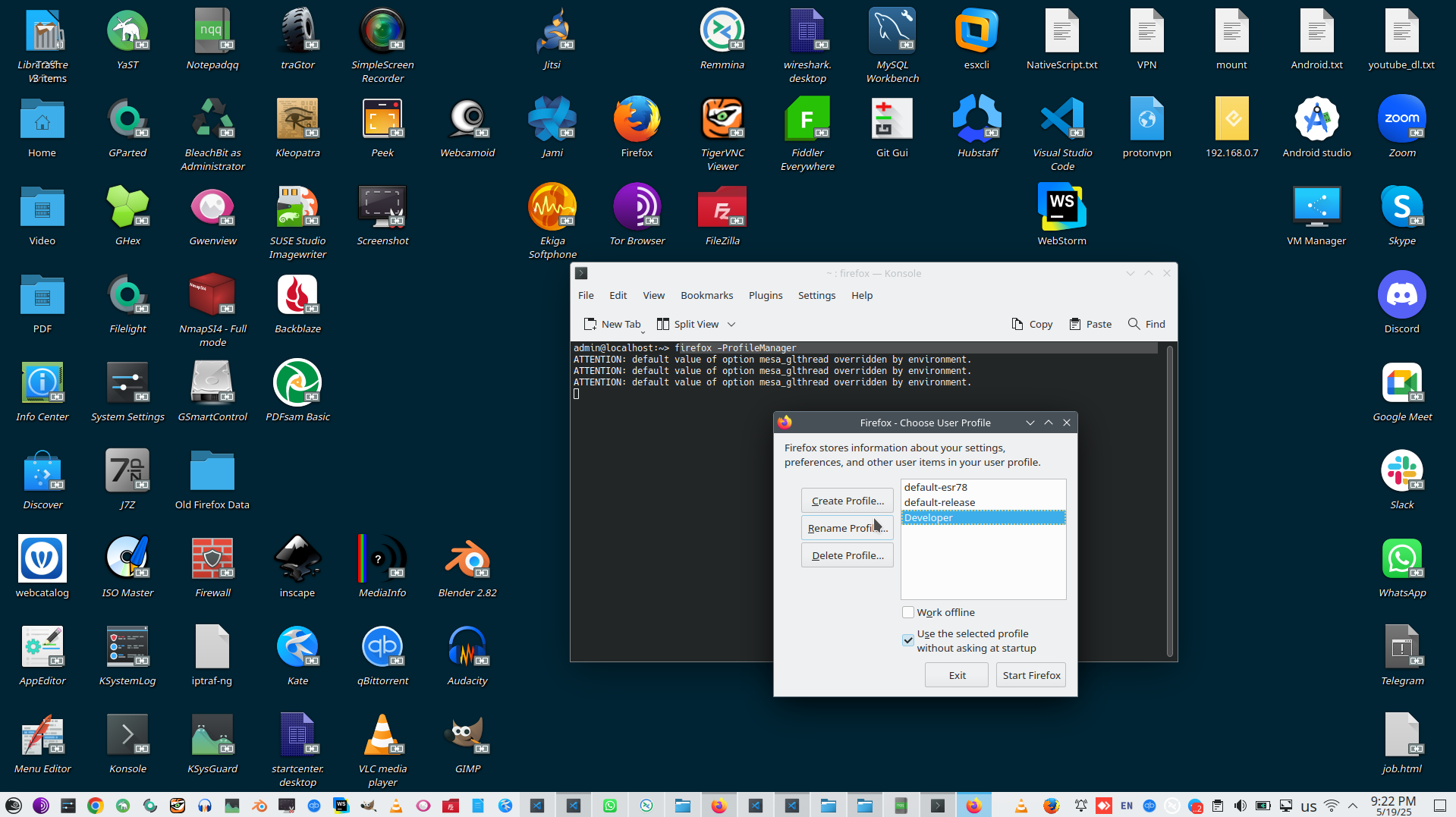
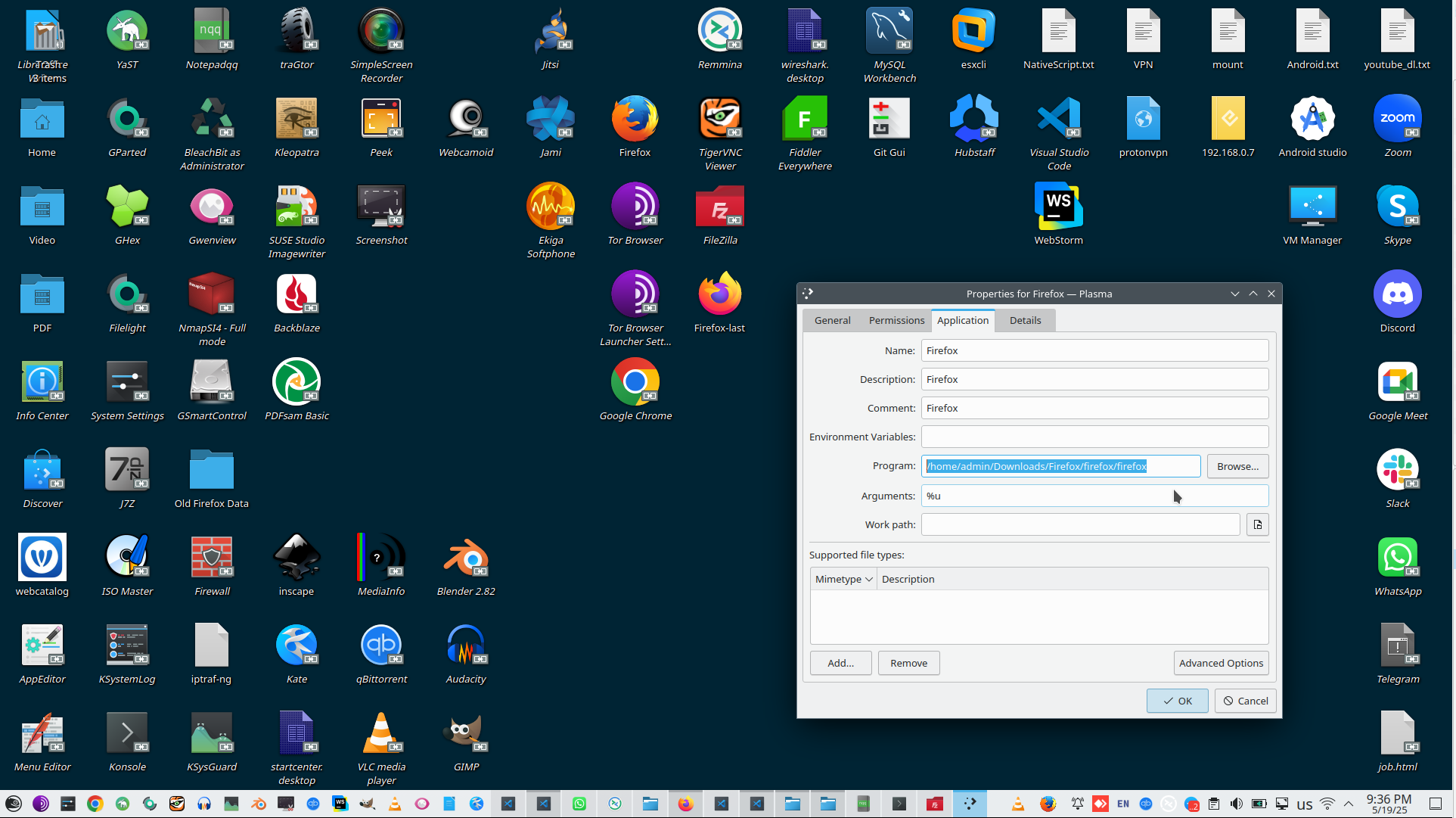
4. Create new profile for Firefox.
5. Install CORS everywhere.
https://addons.mozilla.org/ru/firefox/addon/cors-everywhere/ for your Firefox developer profile, that you can start as:
# /home/admin/Downloads/Firefox/firefox/firefox -ProfileManager -no-remote -P Developer -no-remote
6. Create ./vscode/launch.json
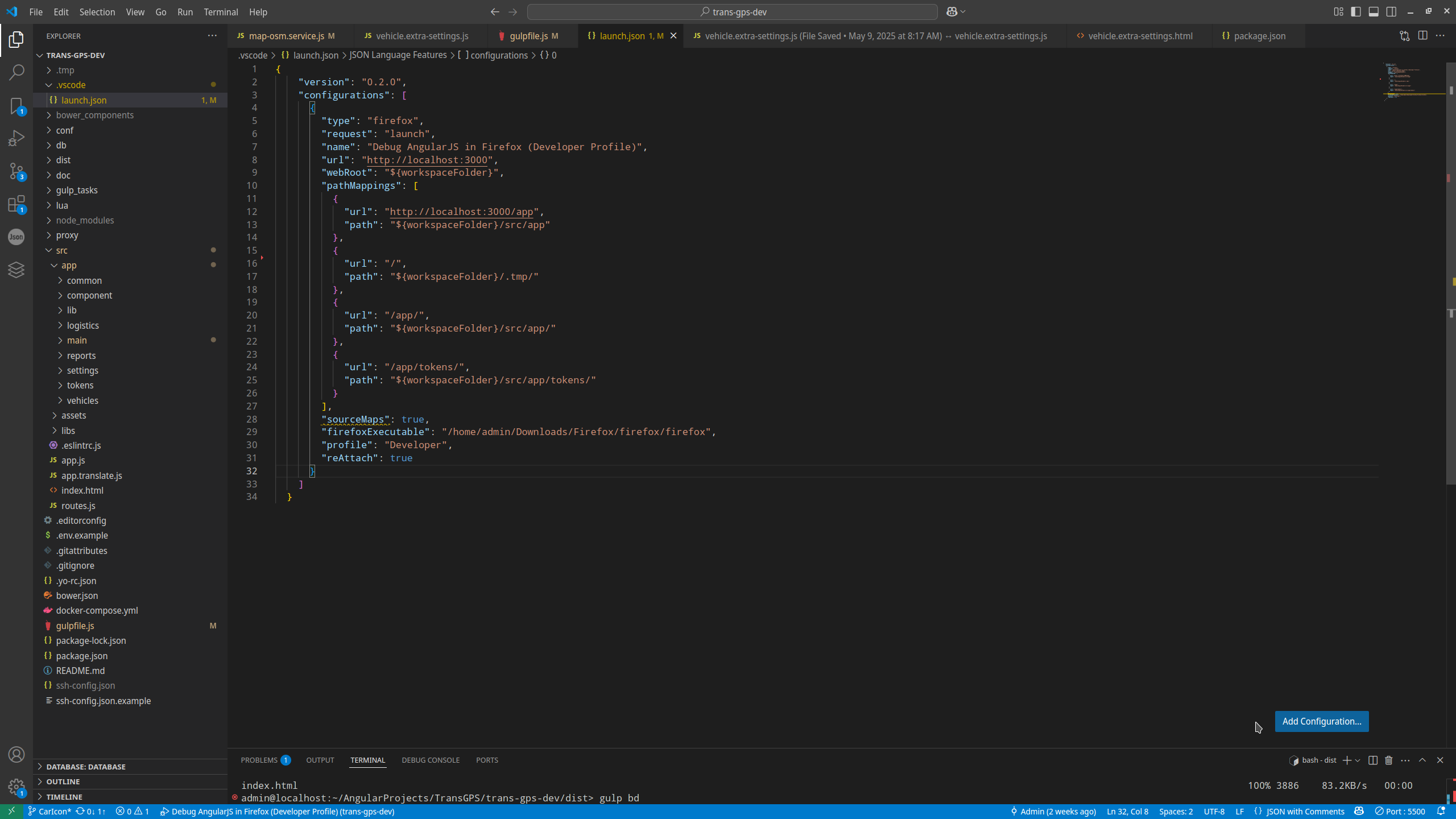
1:
2: {
3: "version": "0.2.0",
4: "configurations": [
5: {
6: "type": "firefox",
7: "request": "launch",
8: "name": "Debug AngularJS in Firefox (Developer Profile)",
9: "url": "http://localhost:3000",
10: "webRoot": "{workspaceFolder}",
11: "pathMappings": [
12: {
13: "url": "http://localhost:3000/app",
14: "path": "${workspaceFolder}/src/app"
15: },
16: {
17: "url": "/",
18: "path": "${workspaceFolder}/.tmp/"
19: },
20: {
21: "url": "/app/",
22: "path": "${workspaceFolder}/src/app/"
23: },
24: {
25: "url": "/app/tokens/",
26: "path": "${workspaceFolder}/src/app/tokens/"
27: }
28: ],
29: "sourceMaps": true,
30: "firefoxExecutable": "/home/admin/Downloads/Firefox/firefox/firefox",
31: "profile": "Developer",
32: "reAttach": true
33: }
34: ]
35: }
36:
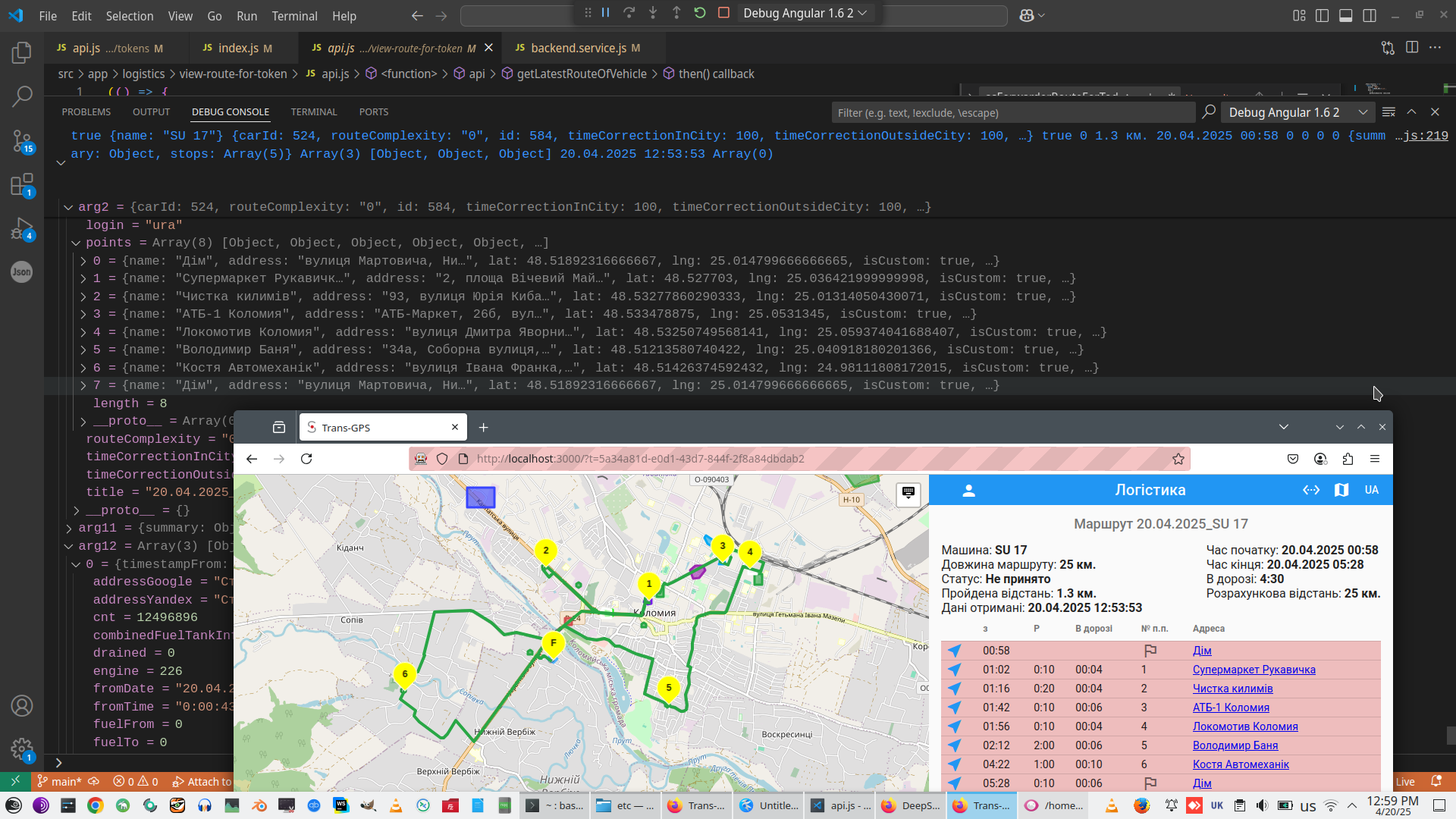
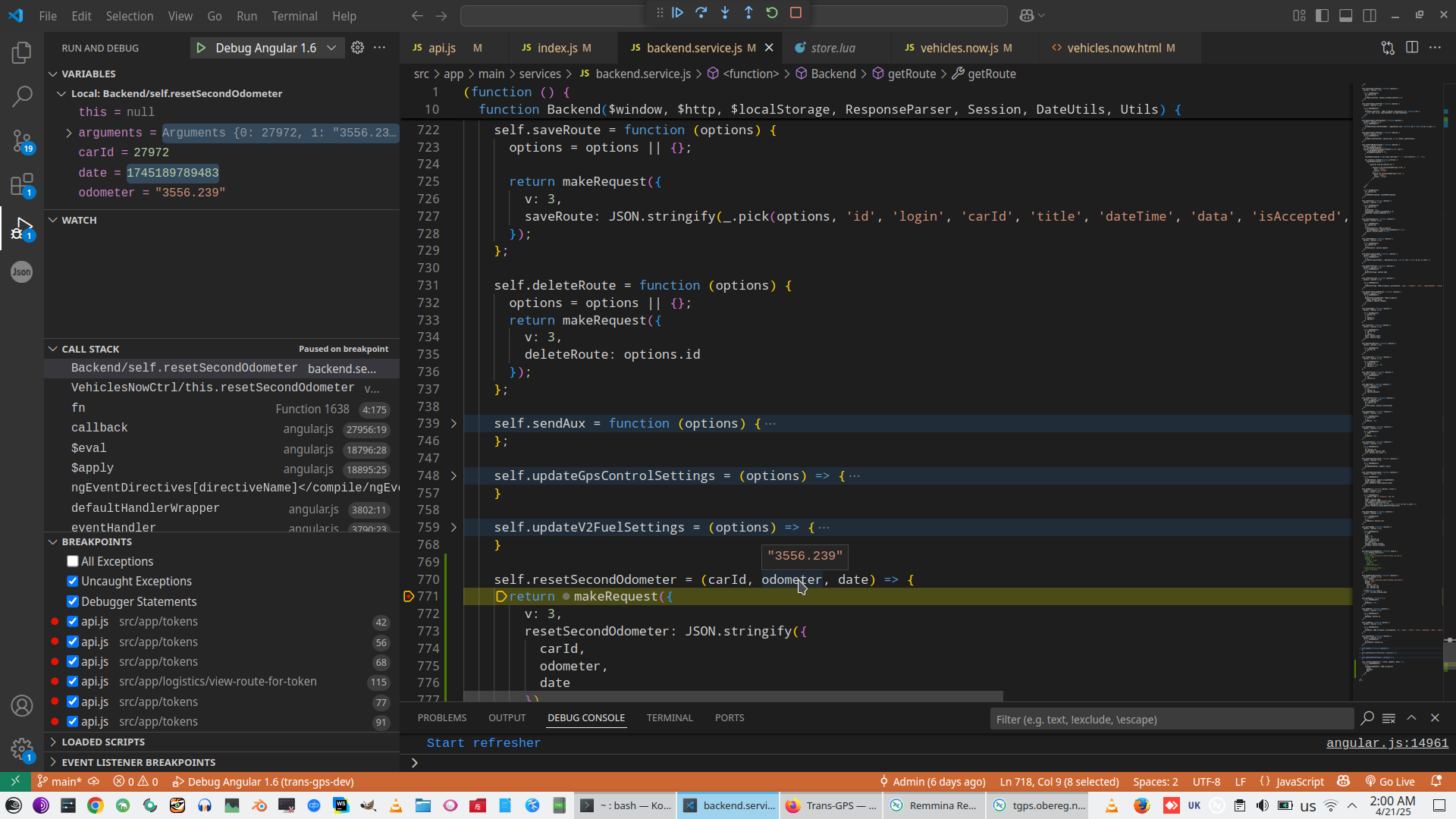
7. Set breakpoints, npm run dev, and finally start debug your app.
Angular context:
 )
)
|
|