Prepare Windows 11 development environment: delete parasitic components like Defender, boot from one DVD, scripts to tune without activation, ventoy, brasero, xorriso tools
- 1. Hidden Windows opportunity - make Windows more usable with autounattend.xml
- 2. Use more usable distribution than Microsoft.
- 3. Use Rufus if you ready to pollute by Windows modern computer that can booting from USB.
- 4. Use Linux Ventoy to prepare Windows bootable distribution. If target computer is modern and support USB boot.
- 5. Use Linux Brazero make burn DVD from ISO.
- 6. Use Xorriso to make bootable ISO.
- 7. Extract scripts from my autounattend.xml and apply it to Windows manually.
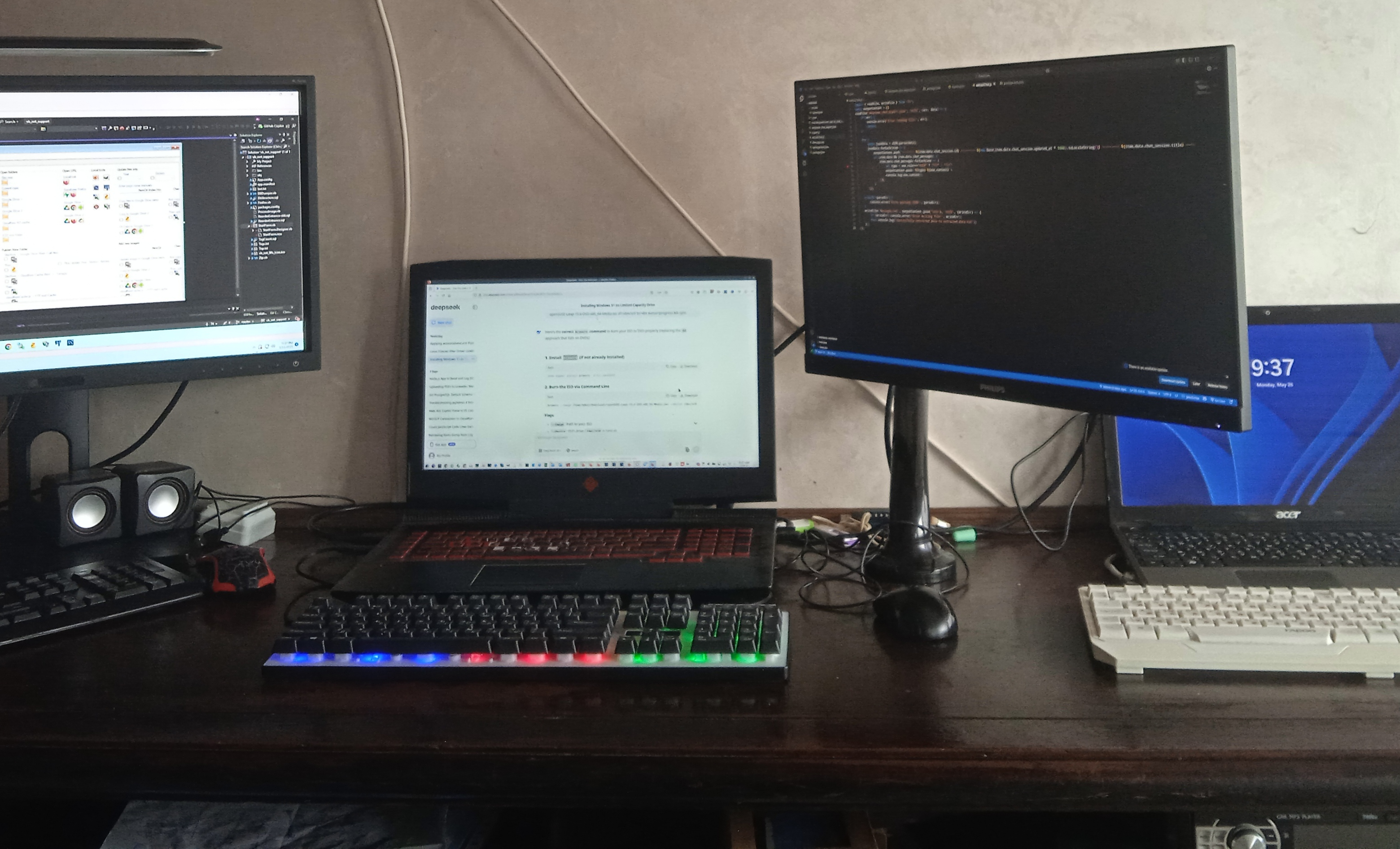
I mostly working in Linux, but still need Windows time on time. Microsoft idiots made Windows maximum uncomfortable for all users - why, fuck you, you made Windows distribution more than 4,7 GB and made Windows unfit to standard DVD? Have you heard anything about the Internet and dynamic loading of components from the Internet? Why, fuck you, did you delete the download without UUFI? Why can't I remove the Windows Defender that eats up a significant portion of my processor time? If somebody need this features - create special distribution with 1000 GB size, create distribution what can started from Razen 9 processor and what transfer to Microsoft not only hash of all file on computer but full file contents completely. But for normal user, fucking idiots, create normal distribution, where we can delete parasitic software, without fucking AntimMilware functions, without requirements to UEFI-boot. Fuck you, Microsoft idiots. And fuck you, why I must send you my bank account, if I want to change wallpaper in desktop or place standard icons on desktop?
This is a simple reasons, why 99% in last years moving to Linux.
If you need a customers, fucking Microsoft idiots, just make you products more usable!
1. Hidden Windows opportunity - make Windows more usable with autounattend.xml
For my carriers I used a lot of ways to make Windows more usable, one of the most efficient way is autounattend.xml - this file you need to add root folder and after that Windows will more idiotic. You need to download official idiotic distribution from MS site https://www.microsoft.com/en-us/software-download/windows11 and your goal is add autounattend.xml to root folder of installation. There are millions tools to doing that, for example WinISO.
You can build autounattend.xml manually from documentation, but there are cool service to build it https://schneegans.de/windows/unattend-generator/
2. Use more usable distribution than Microsoft.
Unfortunately goal of Microsoft idiots is make Windows maximum unusable, therefore that idiots make DVD with Windows 5,7 GB, that exceed standard DVD size and make impossible booting from DVD. Why, fucking Microsoft idiots, more advanced operation systems https://get.opensuse.org/leap/15.6/?type=desktop#download still used 4,7 GB DVD? And any Linux distributions publishing bootable CD-ROM and USB - https://download.opensuse.org/download/distribution/openSUSE-stable/live/. Fucking Windows even in most advanced version has 1% feature of any Linux, but most advanced Linux still fit to 4,7 GB.
Therefore a lot of peoples prepare more usable bootable DVD, than Microsoft that allow to fit to DVD and make boot from DVD possible, for example https://www.filehorse.com/download-tiny11/.
Unfortunately, guy what create tiny11 distribution save some most idiotic components, like antimailware checking and delete mot interesting feature - simple windows wallpaper with color only, delete some library what need to IIS setting, delete desktop icon ans so on. Tiny-11 distribution is not ideal, but if you computer not support USB bot for some reason - this is perfect way to avoid Microsoft idiots way (of course, better way is going to Linux at all, but sometimes we still need to install Windows in some own ancient computer).
3. Use Rufus if you ready to pollute by Windows modern computer that can booting from USB.
If you computer can booting from USB, you can use https://rufus.ie/en/ to prepare bootable USB flash drive. Btw in Rufus you can understand to main booting way that used computers today.
- BIOS (legacy, MBR only)
- POST → Checks hardware.
- Searches for bootloader in MBR (first sector of disk).
- Bootloader (like GRUB) loads the OS.
- UEFI (modern, Graphic in BIOS, GPT and MBD disks)
- Skips legacy POST, initializes hardware in parallel.
- Looks for EFI System Partition (ESP) with boot files.
- Directly loads .efi executables (no need for MBR bootloader).
- Has backward-compatible with BIOS via CSM (Compatibility Support Module).
4. Use Linux Ventoy to prepare Windows bootable distribution. If target computer is modern and support USB boot.
If you have no Windows at all (this is my way) - you need to prepare Windows bootable distribution in Linux. Best way in this case is, because
- You can freely add/remove ISOs and files (like `autounattend.xml`) without reformatting.
- Works with Windows, Linux, and other ISO files.
- Files stay intact even after reboots.
- Works on modern and older systems.
# Download Ventoy
# wget https://github.com/ventoy/Ventoy/releases/download/v1.0.96/ventoy-1.0.96-linux.tar.gz
# tar -xzf ventoy-*.tar.gz
# cd ventoy-*
#
# Install Ventoy Bootloader to USB
# lsblk
# sudo ./Ventoy2Disk.sh -i /dev/sdb
#
# Mount the Ventoy USB partition (usually /dev/sdb1) and copy the Windows 11 ISO and autounattend.xml
# sudo mkdir -p /mnt/ventoy
# sudo mount /dev/sdb1 /mnt/ventoy
# sudo cp ~/Downloads/Win11_24H2_EnglishInternational_x64.iso /mnt/ventoy/
# sudo cp ~/Downloads/autounattend.xml /mnt/ventoy/
# sudo umount /mnt/ventoy
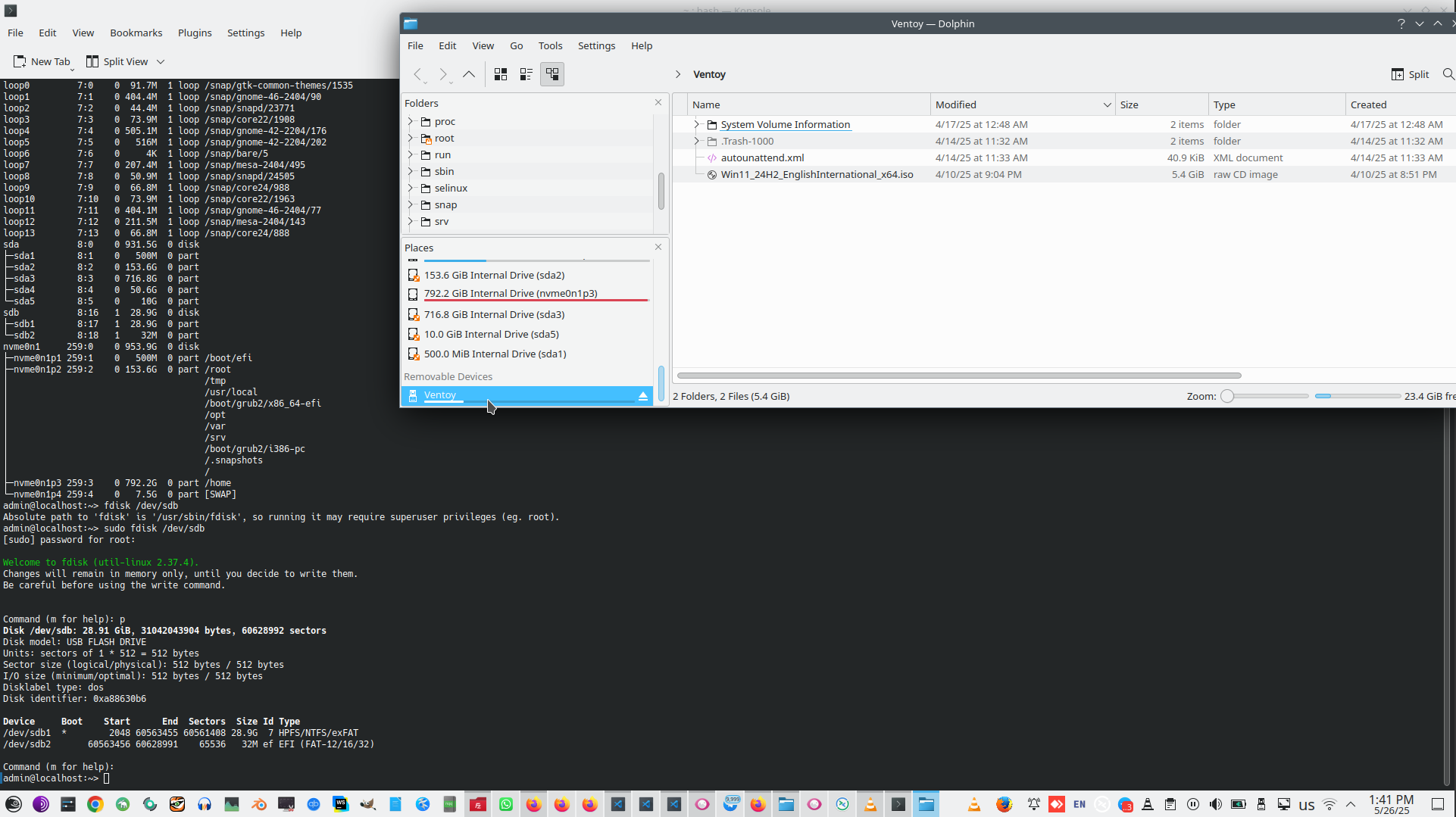
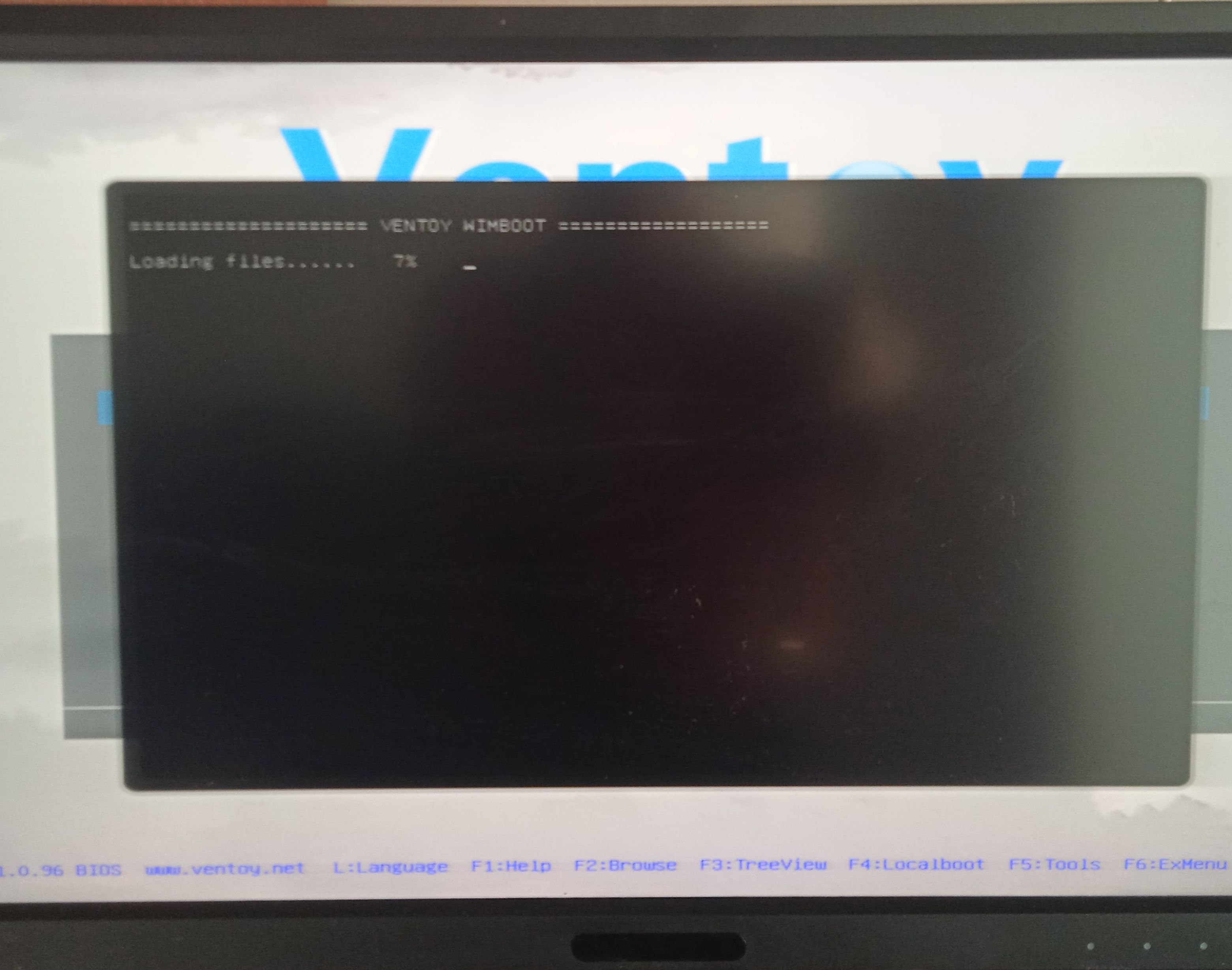
This is final result you must receive in Flash drive.
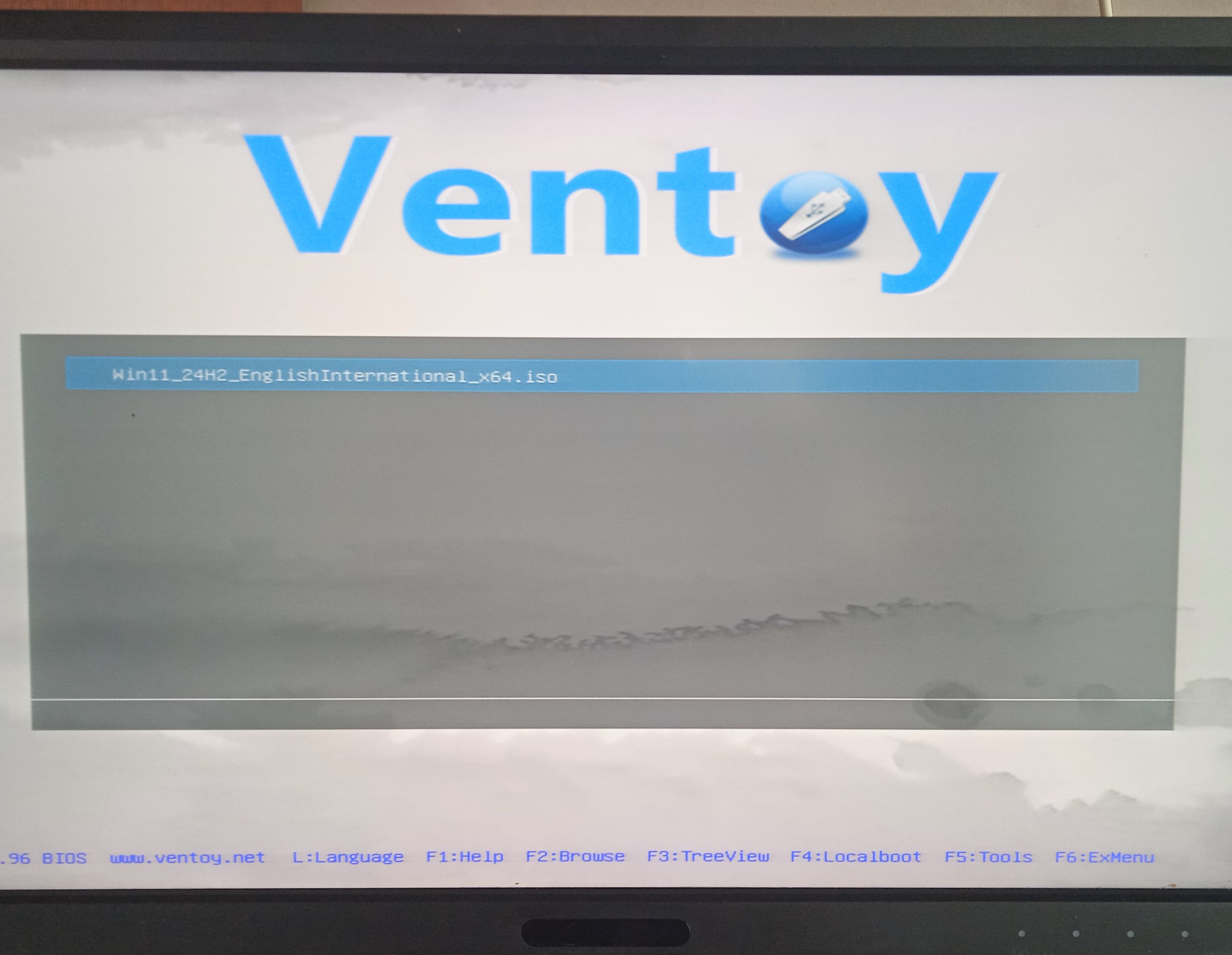
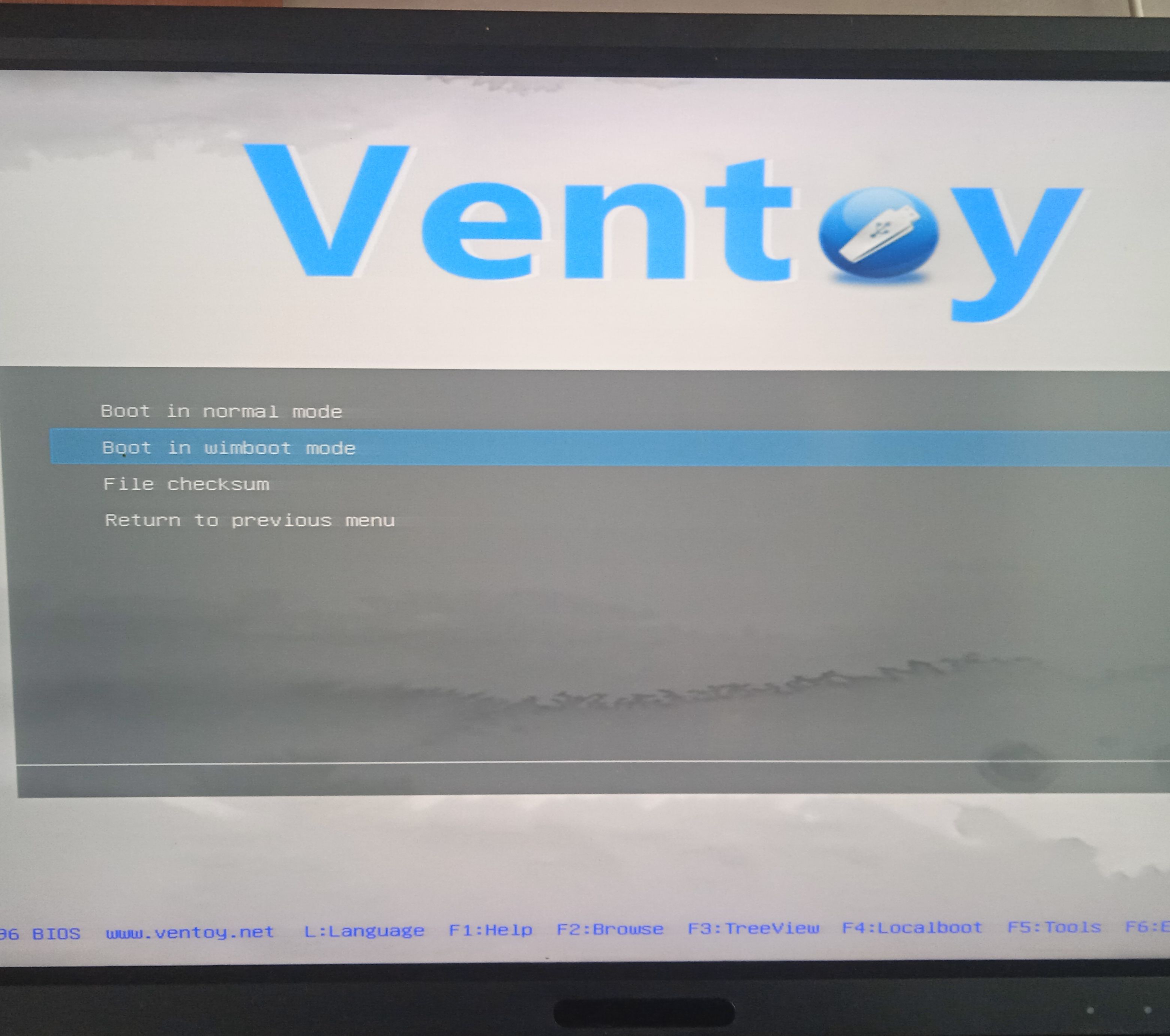
And this distribution loading perfectly in modern computers.
5. Use Linux Brazero make burn DVD from ISO.
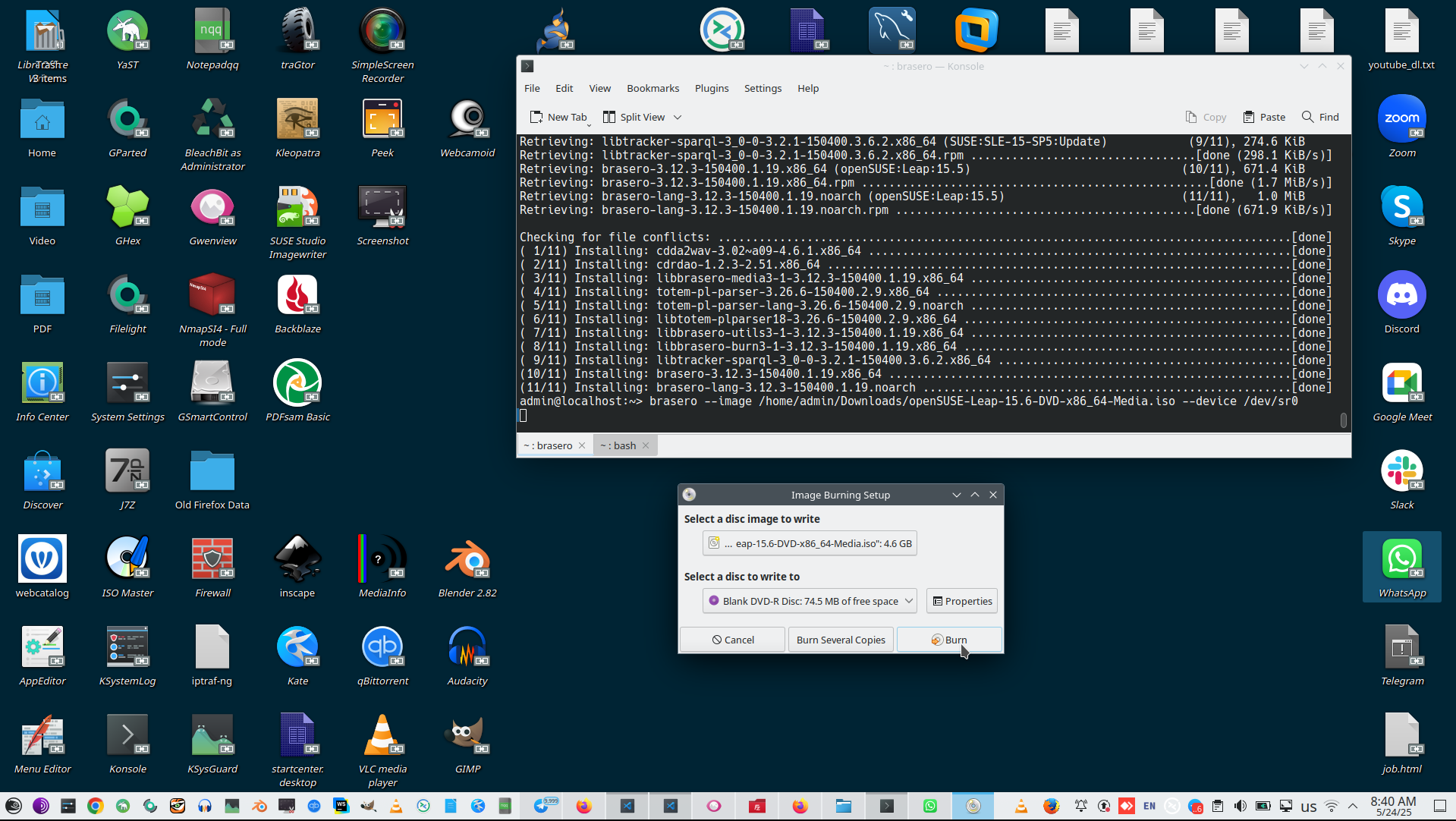
If you already have prepared ISO there are very simple way and workable way to burn DVD-rom in Linux:
# sudo zypper --no-refresh install brazero
# brasero --image /home/admin/Downloads/openSUSE-Leap-15.6-DVD-x86_64-Media.iso --device /dev/sr0
6. Use Xorriso to make bootable ISO.
And last puzzle in Linux is recompile ISO file from source with xorriso. Create folder from ISO is simple process:
# mkdir -p ~/tiny11_extracted
# xorriso -osirrox on -indev Tiny11.iso -extract / ~/tiny11_extracted
Xorriso has a lot of parameters to build result ISO, unfortunaelly I don't know correct parameters to build Windows distribution, because Windows distribution require "optimized" ISO.
And we need to remember what ISO format can be at all, Xorisso support all of them:
- ISO 9660 – The standard format for optical discs, with various levels (Level 1, 2, 3) and extensions:
- Joliet (Microsoft extension for Unicode filenames)
- Rock Ridge (UNIX/Linux permissions & long filenames)
- El Torito (Bootable ISO support)
- UDF (Universal Disk Format) – Used for DVDs and newer optical media.
- Hybrid ISO – A mix of ISO 9660 and UDF, often used for bootable USB/DVD media.
- Apple ISO (HFS+) – For macOS compatibility (xorriso can embed HFS+ in ISO).
- ISO with GPT/MBR – For bootable USB drives (hybrid ISO).
Microsoft use parameters:
- ISO 9660 + Joliet (for backward compatibility).
- UDF (for newer Windows versions, especially larger install.wim files >4GB).
- Bootable via El Torito (BIOS) + UEFI boot support.For
This means that we need to use that parameters:
# xorriso -as mkisofs \
#   -iso-level 3 \
#   -udf -allow-limited-size \
#   -J -joliet-long \
#   -b boot/etfsboot.com -no-emul-boot \
#   -eltorito-alt-boot -e efi/microsoft/boot/efisys.bin -no-emul-boot \
#   -o "Win10_Optimized.iso" \
#   ./source_folder
But, I'm sorry have no time to investigate all parameters now. I try to make some ISO files, but Windows not installed successfully from my recompiled ISO file, I need more time to investigate this issue, but have no time to that, I resolved this issue with another ISO compilation process.
7. Extract scripts from my autounattend.xml and apply it to Windows manually.
Alternative and vary fast way (if Ventroy USB flash is not booting, if Xorriso is not booting) is just use stupid Tiny-11 distribution and apply scripts to tune Windows desktop without pass Microsoft your bank account, but unfortunately without passing to Microsoft MD5 hash of all your files, what doing Windows Defender.
I made very simple scripts:
1:
2: import { readFileSync, existsSync, mkdirSync, writeFileSync } from 'fs';
3: import { join, dirname } from 'path';
4:
5: // Load the XML file
6: const xmlFilePath = './autounattend.xml';
7: const xmlContent = readFileSync(xmlFilePath, 'utf-8');
8:
9: // Regex to find <File path="...">...</File> blocks containing PowerShell scripts
10: const scriptRegex = /<File path="([^"]+.ps1)">([sS]*?)</File>/g;
11:
12: // Decode XML entities (e.g., < → <, & → &)
13: function decodeXmlEntities(text) {
14: return text
15: .replace(/</g, '<')
16: .replace(/>/g, '>')
17: .replace(/&/g, '&')
18: .replace(/"/g, '"')
19: .replace(/'/g, "'");
20: }
21:
22: // Extract and save each script
23: let match;
24: while ((match = scriptRegex.exec(xmlContent)) !== null) {
25: const scriptPath = match[1];
26: let scriptContent = match[2].trim();
27:
28: // Clean up XML-escaped characters
29: scriptContent = decodeXmlEntities(scriptContent);
30:
31: // Ensure the target directory exists
32: const fullPath = join(process.cwd(), scriptPath);
33: const dir = dirname(fullPath);
34: if (!existsSync(dir)) {
35: mkdirSync(dir, { recursive: true });
36: }
37:
38: // Save the script
39: writeFileSync(fullPath, scriptContent, 'utf-8');
40: console.log(`Extracted: ${scriptPath}`);
41: }
42:
43: console.log(' All PowerShell scripts extracted!');
44:
And this script extracted for me a couple scripts, what make Windows less idiotic and more usable.
You need to allow PS1 scripts at all in fucking Windows:
# Set-ExecutionPolicy Restricted -Force
And than apply this scripts, need to rename it from TXT to PS1.
- DefaultUser.ps1
- FirstLogon.ps1
- RemoveCapabilities.ps1
- RemoveFeatures.ps1
- RemovePackages.ps1
- SetStartPins.ps1
- SetWallpaper.ps1
- Specialize.ps1
- TurnOffSystemSounds.ps1
- UserOnce.ps1
Also you can try manually delete most idiotic Microsoft program in the same way:
# Get-AppxPackage *Microsoft.Bing* | Remove-AppxPackage
# Get-AppxPackage *Xbox* | Remove-AppxPackage
See list of that fucking software packages in https://schneegans.de/windows/unattend-generator/
Also you can try to forbid transfer your confidential information to Microsoft with:
# reg add "HKLM\SOFTWARE\Policies\Microsoft\Windows\DataCollection" /v AllowTelemetry /t REG_DWORD /d 0 /f
# reg add "HKLM\SOFTWARE\Policies\Microsoft\Windows Defender" /v DisableAntiSpyware /t REG_DWORD /d 1 /f
But make your windows more safe and secure - this is huge question, that exceed of this points topic.
At common, Microsoft is totally abandon company now. Pay attention that Microsoft invent most popular proprietary language in the world - Visual Basic NET, this is number one programmer language before 2014 when Microsoft refuse to invest tiny money to advance this language and go ahead with most popular programmer language in world. As a result of this epic Microsoft fail all experienced programmer leave Microsoft platform and going (1) on server to LUA script, (2) for common programming and frontend - to Javascript, (3) and for Android programming - for Java. This is result of Microsoft fail, how its possible that company with trillion dollar capitalization can not invest $500,000 for support own proprietary language? This is all yon need to know about Microsoft - how company proprietary language was number one in world and how can lost all.
Unfortunately Windows now is totally abandon place that concentrated only for spying for users and collecting sensitive information about users.
DevEnvironment context:
 )
)
|
|